Notice to all visitors and members of the Train-Sim.Com message forums: If you plan on using a signature banner in your posts, we would like to remind you that there is a maximum size for banners. That maximum is 450 pixels wide by 120 pixels high, and not to exceed 25k. Your compliance is appreciated. FORUM RULES Problems? There are two common reasons for problems with logging in and posting messages. The first is that you are running a firewall that prevents your messages from being sent to the server. The other is that you have cookies disabled; the DCForum software requires cookies to work properly.
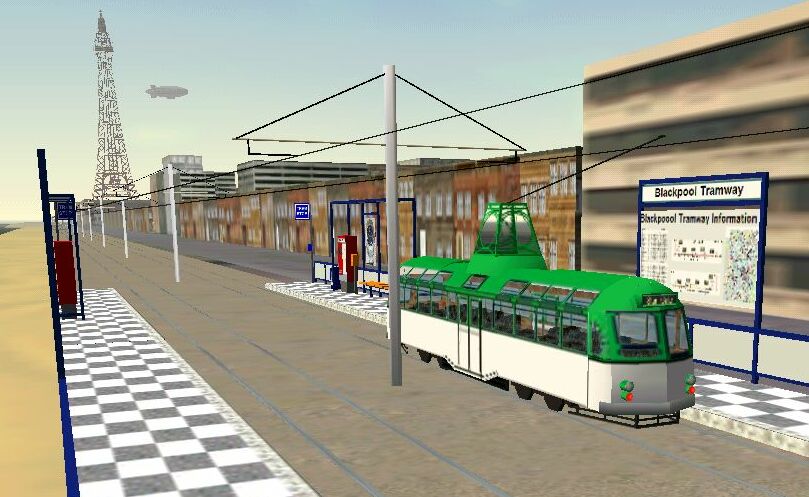
I just downloaded the new install for MCT (MCT V1_2) because I have version 1_1. When I choose a train for the route it loads, but as soon as it's done, and your in cab view, the game freezes and shuts down. I've tried it 5 times with different trains, with the same result. I want to explore the new MCT with the MCT trams, but I can't if it freezes . Anyone know what's going on? THX! Trainwhiz20
I too have just installed MCT V1 using the the new install.bat that was put into the file library. I then unzipped MCT V1_2 and overwrote the existing files as instructed (note I never had V1_1, so went straight to V1_2, but the readme said that V1_1 was included anyway). When I go into drive a train, the route appears ok in the list, I select it and try to go into explore mode using one of the Blackpool Brush cars (which work ok on other routes) and my whole computer freezes up !! No matter what I do, CTRL-ALT-DEL (no task manager), ALT-TAB, or anything I can't get out of it without having to reboot the computer. I tried this twice and both times it competely locks up my PC. Any ideas please ?It's very frustrating as I gave up on the original beta of this route months ago as there were no activities included, so you couldn't go and explore the route.It's a great pity as I'm sure those Brush cars would look good running past Blackpool Tower.