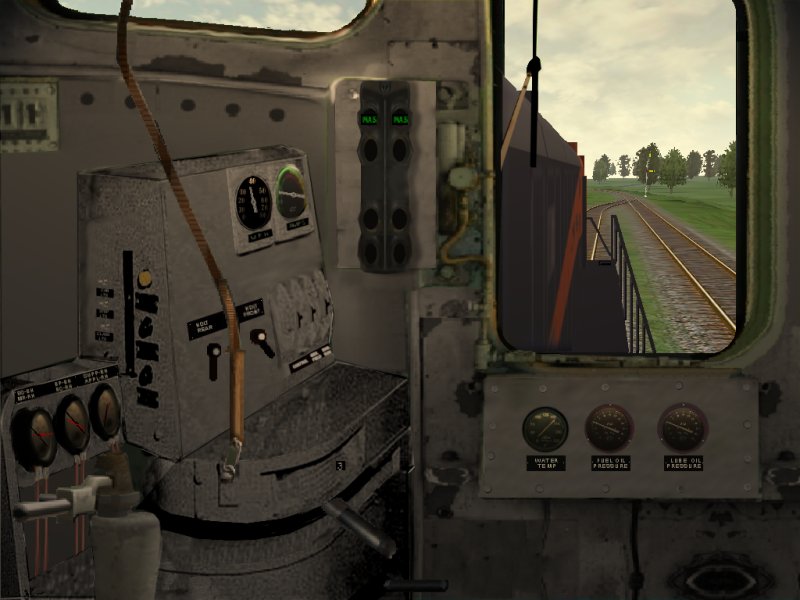
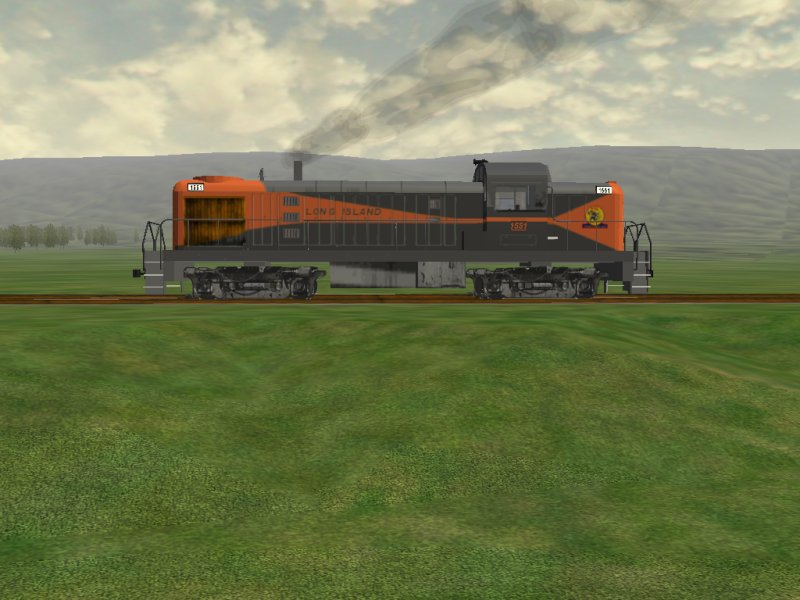
I was looking at the RS3 cab in the library as we're getting ready to include it with a new locomotive to be released soon. One of the issues was that, as the brake handles are not in the cabview, you have no idea where your brake setting is unless you press F5: no little white window at the bottom of the screen saying "Full Service" or "Running" or whatever.The same issue exists with a tram I've been sent that is foot-controlled: no animated controls therefore no idea of what the tram controls are doing (without having the HUD on all the time).By a series of errors I kept making on an unrelated project, I've worked out how to have the window at the bottom of the screen show brake (Independent or Train) and even throttle settings where there's no animation.I inserted the following code in the CVF of Ville Elomaa's RS3cab and incremented the Cabview Controls from 10 to 12:Lever (
Type ( TRAIN_BRAKE LEVER )
Position ( 600 450 40 40 )
Style ( NOT_SPRUNG )
MouseControl ( 1 )
Orientation ( 1 )
DirIncrease ( 1 )
)
Lever (
Type ( ENGINE_BRAKE LEVER )
Position ( 600 200 40 40 )
Style ( NOT_SPRUNG )
MouseControl ( 1 )
Orientation ( 1 )
DirIncrease ( 1 )
)Now when you adjust the brake, the window at the bottom of the screen says "Train Brake Released" or whatever is appropriate for the control setting.A bonus is that if you mouse over the correct area on the right side of the screen, you can adjust the brake with the mouse.HTH.RegardsYuri.
(steam4me)
-------------------------------------
Webmaster
Australian MSTS Add-ons Page
-------------------------------------
Printer-friendly page | Edit | Reply | Reply With Quote | Top