Archived thread - Read only Previous Topic | Next Topic
Started by kennethf637018 posts4 min read
Notice to all visitors and members of the Train-Sim.Com message forums: If you plan on using a signature banner in your posts, we would like to remind you that there is a maximum size for banners. That maximum is 450 pixels wide by 120 pixels high, and not to exceed 25k. Your compliance is appreciated. FORUM RULES Problems? There are two common reasons for problems with logging in and posting messages. The first is that you are running a firewall that prevents your messages from being sent to the server. The other is that you have cookies disabled; the DCForum software requires cookies to work properly.
Archived thread - Read only Previous Topic | Next Topic
Printer-friendly copy Email this topic to a friend
Reading Topic #188
kennethf63701Charter Member · 29 posts
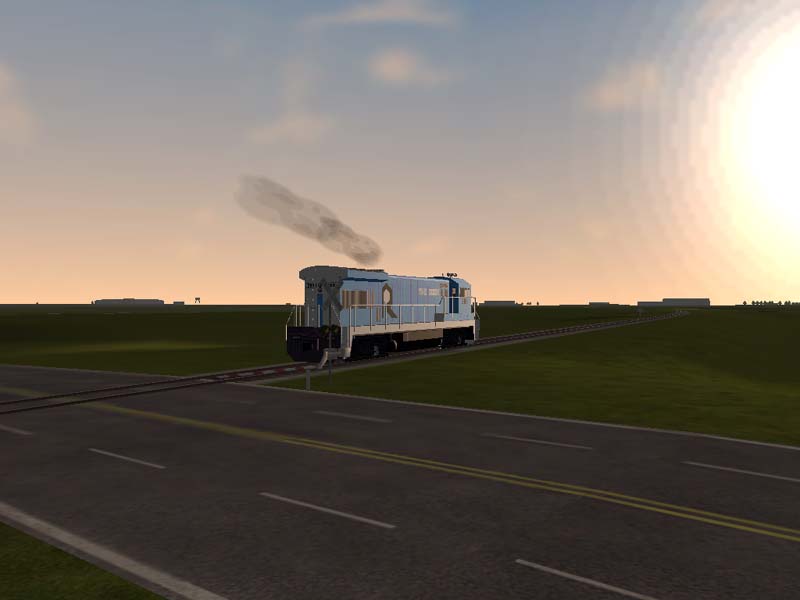
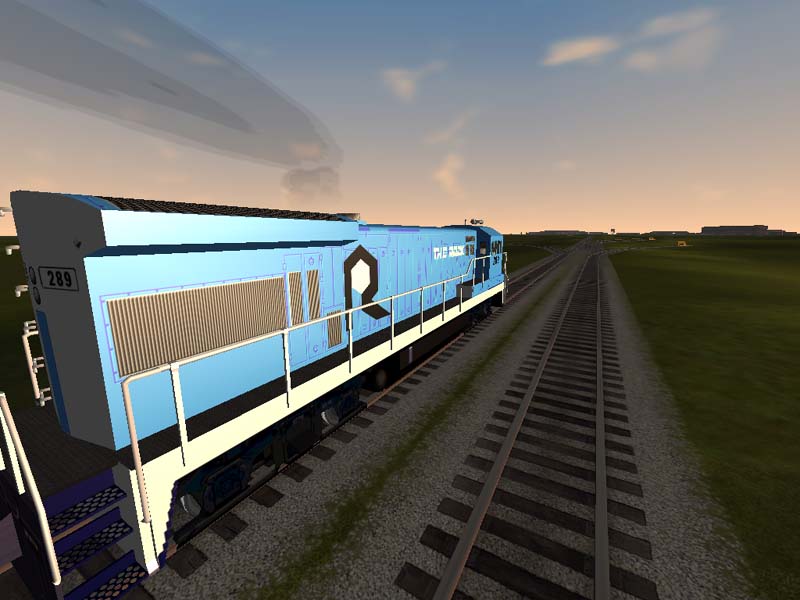
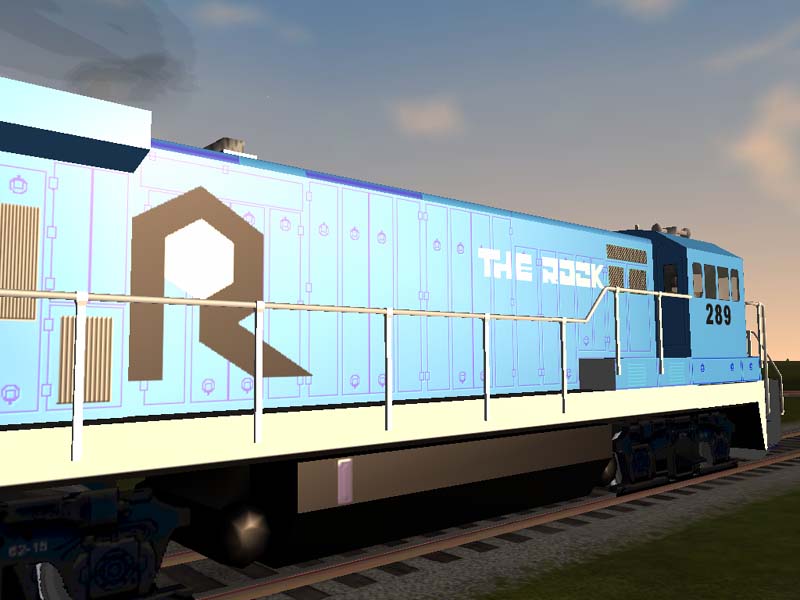
Look at the shine comming off of this! I added some specular lighting to it this evening. My Rock island is almost done. I only have to do the logo in the rear and add some lights. I hope i'm not missing anything else. If not, I'll upload soon.
------------ Cctoide Portugal, Railfan Proud Owner of Ohio Rails v10
Printer-friendly page | Top
plainsmanCharter Member · 2183 posts
RE: Holy Cow!!
Nice looking paint job. I think your version looks better than most of the prototypes I have seen on this line. It is easy to see why the line went under. Not much revenue in those trips running light...hehe Nice job, Bob
Printer-friendly page | Top
kennethf63701Charter Member · 29 posts
RE: Holy Cow!!
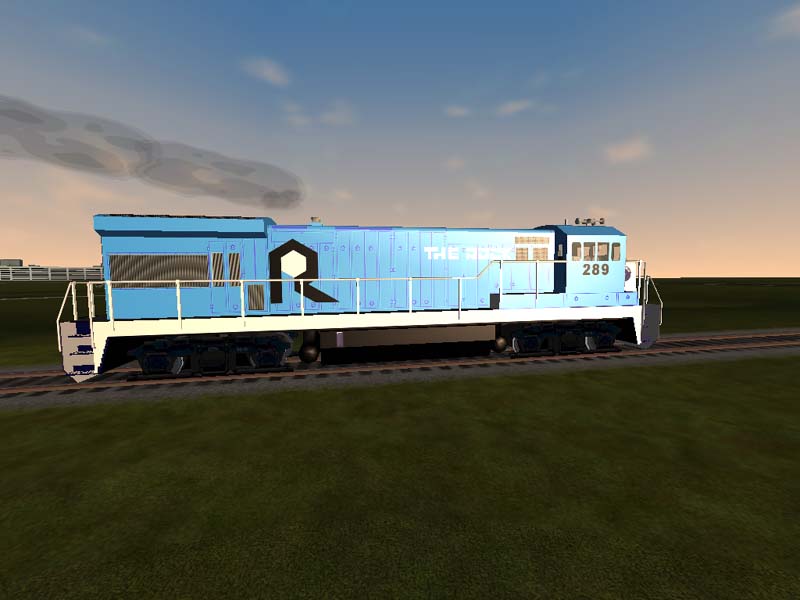
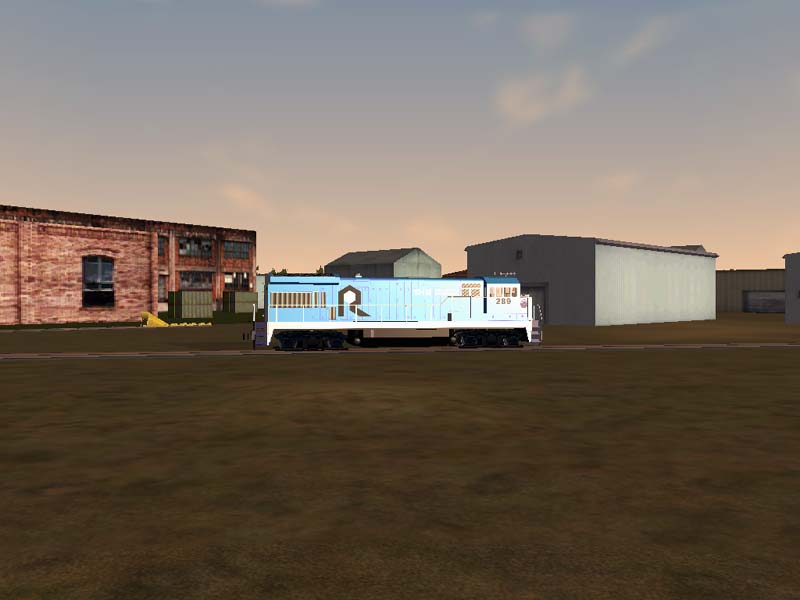
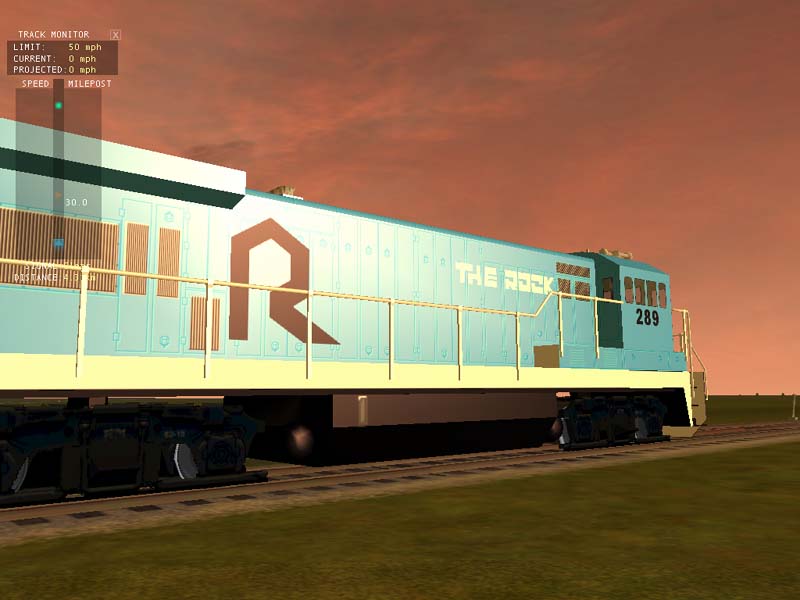
Thanks. In the red sunset the doors and other outlines I did seem purple so I went back and re-done it. Below is a before and after. I still have to add some working lights. I almost forgot, thank you for the loco physics file Bob.
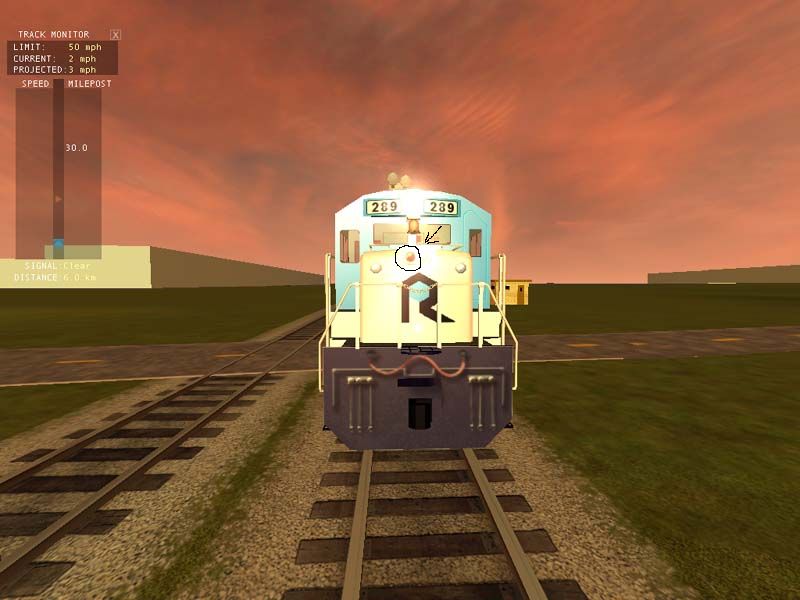
What would I put in the eng file to get this light to work right? also there are 2 lights in the rear of the engine that don't work. How do I get those to work?
you would have to insert the code for one.example Light ( Type( 1 #Sphere of light front dim left ) Conditions ( Headlight ( 2 ) Unit ( 2 ) ) Cycle ( 0 ) FadeIn ( 0.5 ) FadeOut ( 0.5 ) States ( 1 State ( Duration ( 0.0 ) LightColour ( ffffeeb1 ) Position ( 0 2.98 9.405 ) Transition ( 0 ) Radius ( 125.0 ) Angle ( 45.0 ) ) ) ) postion #'s are 0 is x axis 2.98 is y axis 9.405 is z axisCorrect me If I am wrong Kelley Chris





 Courtesy of